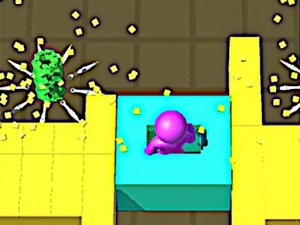
What players say
Knife Flip Online Game provides a satisfying skill challenge. The simple tap-to-flip mechanic is easy to learn but requires precise timing to master. As you progress, moving targets and new angles keep the gameplay fresh. Collecting different knives adds a sense of accomplishment and encourages replay. It is a safe, non-violent arcade game suitable for all ages. The focus on timing and coordination makes it both relaxing and engaging. A solid choice for casual gaming sessions.
About this game
Game Introduction
Blade Flip Arcade Challenge invites you to master the art of flipping blades. This family-friendly game focuses on skill and precision as you aim to flip blades onto targets. Each successful flip adds a new blade to your growing collection, offering a satisfying sense of progress. The game is designed for all ages, with no violent or inappropriate content. Instead, it emphasizes hand-eye coordination and timing, making it a fun and engaging experience. Whether you are a beginner or a seasoned player, Blade Flip provides a relaxing yet challenging gameplay loop. Build your collection from a variety of stylish blades, each with unique designs. The game encourages repeated play to improve your skills and unlock new items. Enjoy a safe, non-violent environment where the thrill comes from perfecting your technique, not from harmful actions.
How to Play
To play Blade Flip Arcade Challenge, simply tap or click to flip the blade toward the target. The key is to time your flip correctly so the blade lands with precision. Each successful landing earns you points and adds a new blade to your collection. The game becomes more challenging as you progress, with moving targets or different angles. Practice your timing to master each level. There are no complicated controls, making it easy for anyone to pick up and play. Focus on the rhythm of the flip and adjust your aim based on the target's position. As you collect more blades, you can view them in your inventory and track your progress. The goal is to flip all blades successfully and build a complete collection.
Game Features
Skill-based flipping mechanics. Blade collection with unique designs. Family-friendly content suitable for all ages. Easy tap or click controls. Increasing difficulty with moving targets and varied angles. Inventory to view collected blades and track progress.
Tips for Success
Blade Flip Arcade Challenge offers a safe and engaging challenge. It is perfect for short breaks or longer play sessions. The simple controls and gradual difficulty make it accessible to everyone.