
Forest Fruit Stand
Reviews
Forest Fruit Stand succeeds by offering a calm, pressure-free environment for young children. The core loop of collecting, mixing, and serving is intuitive and rewarding. The art style is warm and inviting, and the lack of timers or failure states means kids can experiment freely. The gradual unlocking of new ingredients provides a gentle sense of progression. This is a well-designed introduction to management games for the youngest players.
About this game
Setting and Atmosphere
Forest Fruit Stand places players in a bright, cheerful woodland clearing where a small beverage stand sits at the center. The environment is filled with animated trees, flowers, and friendly animal characters that move gently in the background. The art style uses soft pastels and rounded shapes, creating a calm and inviting space for young players. There are no timers or pressure, allowing children to explore at their own pace.
Gathering and Mixing
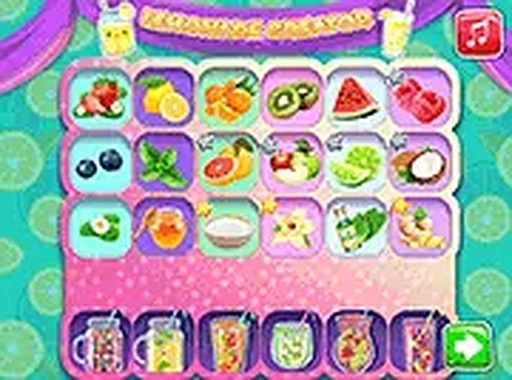
The main activity involves walking through the forest and clicking on bushes, trees, and patches to collect fruits and berries. Each item found is stored in a simple inventory. Back at the stand, players drag ingredients into a mixing bowl to create new drink combinations. The game provides gentle hints about which fruits pair well, but children are free to experiment with any mix they choose. This process teaches basic cause and effect without frustration.
Serving Customers
After preparing a drink, players serve it to waiting woodland creatures who visit the stand. Each customer has a simple preference shown by a thought bubble. Serving the right drink earns coins, while wrong choices just result in a friendly shake of the head. This low-stakes feedback loop helps children learn pattern recognition and social cues in a supportive way.
Progression and Rewards
Coins collected from satisfied customers can be spent at a small shop that unlocks new ingredients, such as honey, mint leaves, or special forest flowers. These additions expand the number of possible drink recipes. The game saves progress automatically in the browser, so returning players can continue from where they left off. New ingredients may appear in the forest over time, encouraging regular visits.
Accessibility and Controls
The game uses simple point-and-click or tap controls that work on both desktop computers and mobile devices. There are no complex menus or text-heavy instructions. Young children who cannot read can still play by following visual cues. A full-screen mode removes distractions, and the game requires no downloads or account creation. This makes it easy for parents to let children play independently.
Creative Experimentation
One of the core appeals is the freedom to try different fruit combinations. Some mixes produce expected flavors, while others yield surprising results that delight young players. The game rewards curiosity rather than speed, so children can spend as much time as they like testing new ideas. This open-ended approach supports imaginative thinking and keeps the experience fresh across multiple play sessions.










Comments
Sign in to leave a review
No account? Create one
No comments yet.